Output Currency in Java
Husband. Father. Software engineer @MITREcorp. Lecturer. Helping you code. The opinions expressed in this blog are my own. #JavaScript #NodeJS #Java #Python
An easy way to output currency in Java is to use the built-in NumberFormat class. This lets you format a number like 1000.2399 for output as $1,000.24.
NumberFormat rounds to two decimals, adds appropriate commas, and includes a $ in front.
To use NumberFormat, import the class at the top of your program:
import java.text.NumberFormat;
Next, create the NumberFormat object and assign it to a variable:
NumberFormat formatter = NumberFormat.getCurrencyInstance();
Finally, use the NumberFormat object to invoke the format() method on the amount to be formatted:
double amt = 1000.2399;
String amtFormatted = formatter.format(amt);
Note that the result is a String value.
Here is a full program example:
import java.text.NumberFormat;

public class NumberFormatExample {
    public static void main(String[] args) {
        NumberFormat formatter = NumberFormat.getCurrencyInstance();

        double amt = 1000.2399;
        String amtFormatted = formatter.format(amt);

        System.out.println("original:    " + amt);
        System.out.println("formatted:   " + amtFormatted);
    }
}
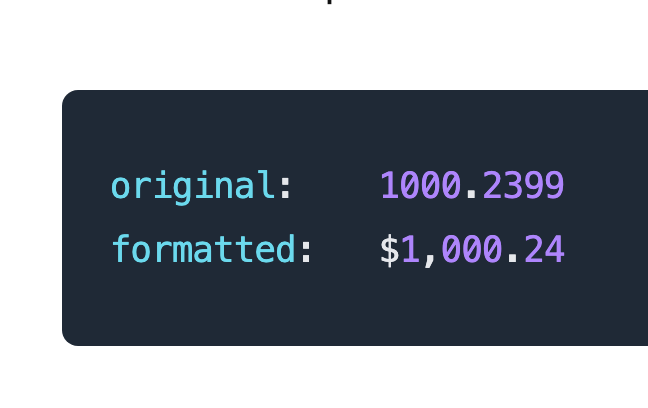
Here is the output:
original:    1000.2399
formatted:   $1,000.24
Follow me on Twitter @realEdwinTorres for more programming tips and help.